Before you start
Outcome: You will know what ReMarkSync needs and which installation guide to follow.
Before you begin
Section titled “Before you begin”You need:
- A reMarkable tablet paired with the official reMarkable desktop app.
- Any Microsoft account with access to OneNote: personal (outlook.com, hotmail.com, live.com) or work/school (Microsoft 365). Work or school accounts usually work right away. If your organization asks for admin approval, see what to send your admin.
- An email inbox for your ReMarkSync account and 7-day free trial. It does not need to match the Microsoft account.
- A Windows 10 or 11 PC, or a supported Apple silicon or Intel Mac.
- An internet connection while the official services move changes between your devices.
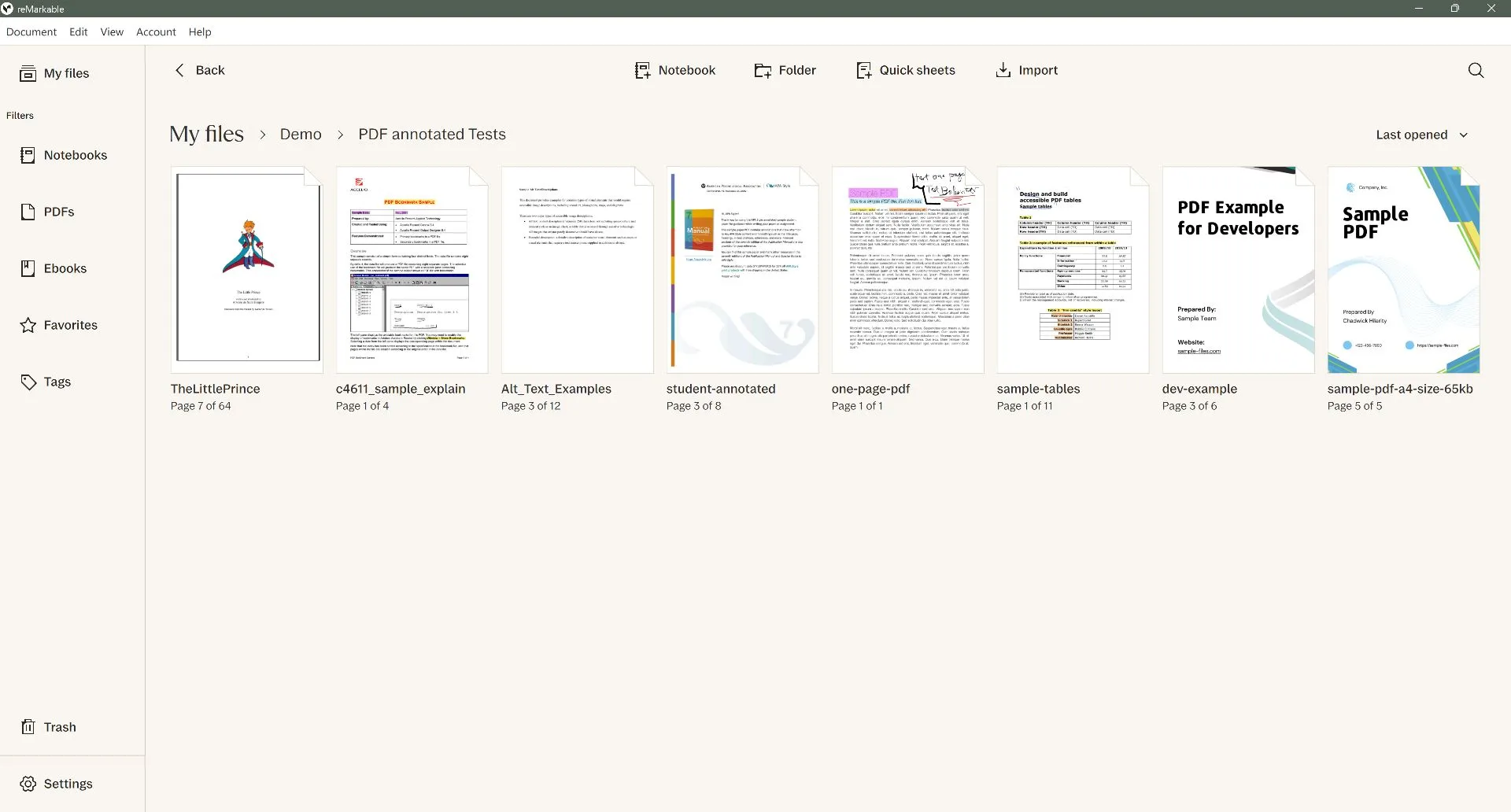
Install the official reMarkable desktop app from my.remarkable.com, sign in, and wait until My files shows the notebooks and PDFs you want. ReMarkSync reads that local library, so it never needs to connect to the tablet itself.
How ReMarkSync works
Section titled “How ReMarkSync works”- reMarkable tablet: you write and annotate as usual.
- reMarkable desktop app: the official app brings tablet changes to your computer.
- ReMarkSync: reads that local copy, prepares the content on your computer, and sends only the content you selected to your Microsoft account.
- OneNote: receives handwriting as ink, editable typed content, images, and supported PDF annotations.
- reMarkable tabletYour notes start here.
- reMarkable desktop appBrings tablet changes to your computer.On your computer
- ReMarkSyncReads that local copy and prepares it.On your computer
- OneNoteReceives only what you selected.
Choose your platform
Section titled “Choose your platform”Install ReMarkSync from Microsoft Store on Windows 10 or 11. Store installation also provides automatic updates.
Install on WindowsMicrosoft Store · Windows 10 and 11Download the signed and notarized DMG that matches your Apple silicon or Intel Mac.
Install on macOSSigned DMG · Apple silicon and IntelExpected result
Section titled “Expected result”You are ready to continue when the reMarkable desktop app shows your notes and you can sign in to OneNote with your Microsoft account.
If your screen looks different
Section titled “If your screen looks different”The official reMarkable app and Microsoft sign-in can change independently of ReMarkSync. Look for the same named actions even if their position or appearance differs.
Troubleshooting
Section titled “Troubleshooting”If the reMarkable desktop app does not show your notes, let it finish syncing before you install ReMarkSync. ReMarkSync cannot read a change that has not reached the computer.